Gaming PC vs Gaming Laptop: Which Is Better for You?
Choosing between a gaming PC and a gaming laptop can feel overwhelming, especially if you are new to PC gaming. Both options can deliver great performance, but they serve very different needs. A gaming PC is often seen as the powerhouse choice, while a gaming laptop focuses on portability and convenience. The right option depends on how you play, where you play, and what you value most.
This decision matters because it can affect your gaming experience for years. It influences performance, upgrade options, comfort, and even your budget. In this guide, you will learn the key differences between gaming PCs and gaming laptops, how they perform in real situations, and what tradeoffs you should consider. By the end, you will have a clear idea of which option fits your lifestyle and gaming goals.
Beginner Overview: Understanding Gaming PCs and Gaming Laptops
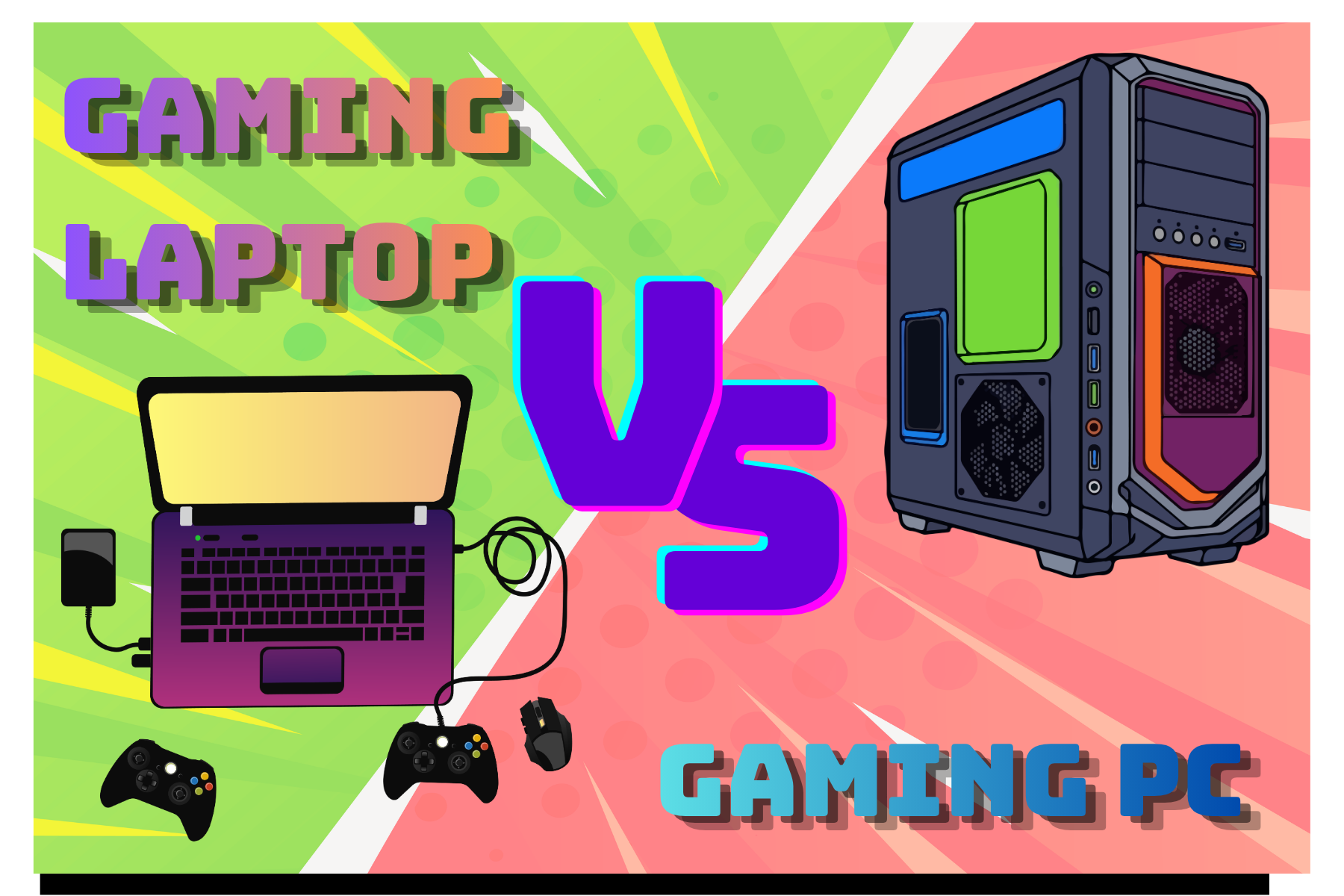
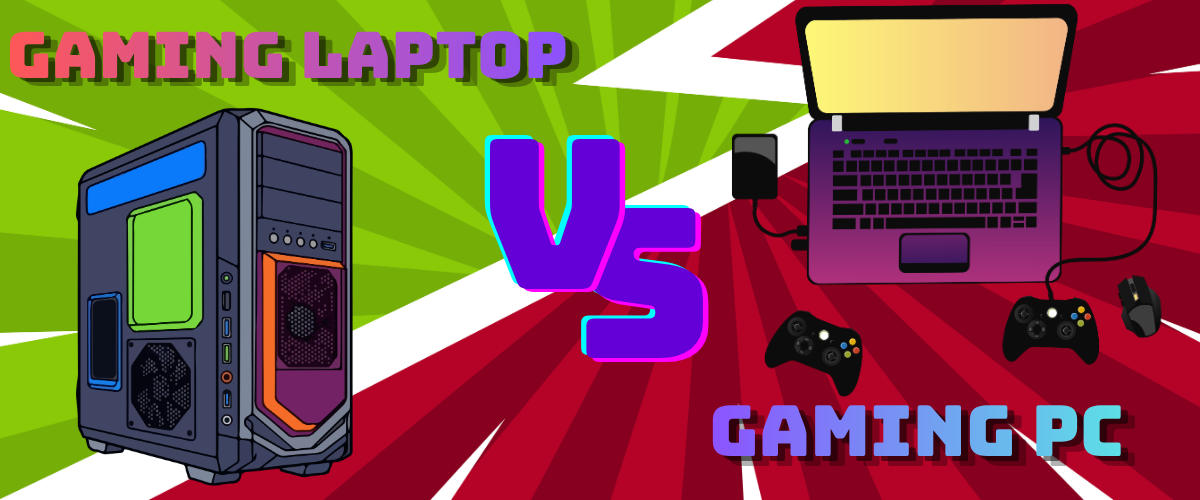
A gaming PC, often called a desktop, is a stationary computer built with powerful components like a dedicated graphics card, processor, and cooling system. These systems are designed for performance and can often be upgraded over time. You usually need a separate monitor, keyboard, and mouse to use one.
A gaming laptop, on the other hand, is an all-in-one portable device. It includes a built-in screen, keyboard, and battery. It is designed to handle games while still being easy to carry around. However, because everything is packed into a smaller space, it has limitations in power and cooling compared to a desktop.
For beginners, the key difference comes down to flexibility versus convenience. A gaming PC gives you more control over performance and upgrades, while a laptop offers mobility and simplicity.
If you are deciding where to start, ask yourself a few basic questions:
Do you need to move your setup often?
Do you want to upgrade parts later?
Is space a concern?
These answers will help guide your decision before you even compare specs.
Important: Do not focus only on raw performance numbers. Think about how and where you will actually use the device.
Performance: Power and Gaming Experience
When it comes to pure performance, gaming PCs usually come out ahead. They have larger components, better cooling systems, and fewer power limitations. This means they can run games at higher settings, deliver smoother frame rates, and handle demanding titles more easily.
Gaming laptops have improved a lot in recent years, but they still face physical constraints. Smaller size means less space for cooling, which can lead to thermal throttling during long gaming sessions. This can reduce performance over time, especially in high-end games.
Another important factor is consistency. A gaming PC can maintain stable performance for hours, while a laptop may gradually heat up and slow down.
However, for many players, gaming laptops still offer more than enough power. If you mainly play popular titles or esports games, you may not notice a major difference.
Example:
A desktop can run a demanding open-world game on ultra settings smoothly for hours, while a laptop might start strong but drop frames after extended play due to heat buildup.
Portability: Flexibility and Convenience
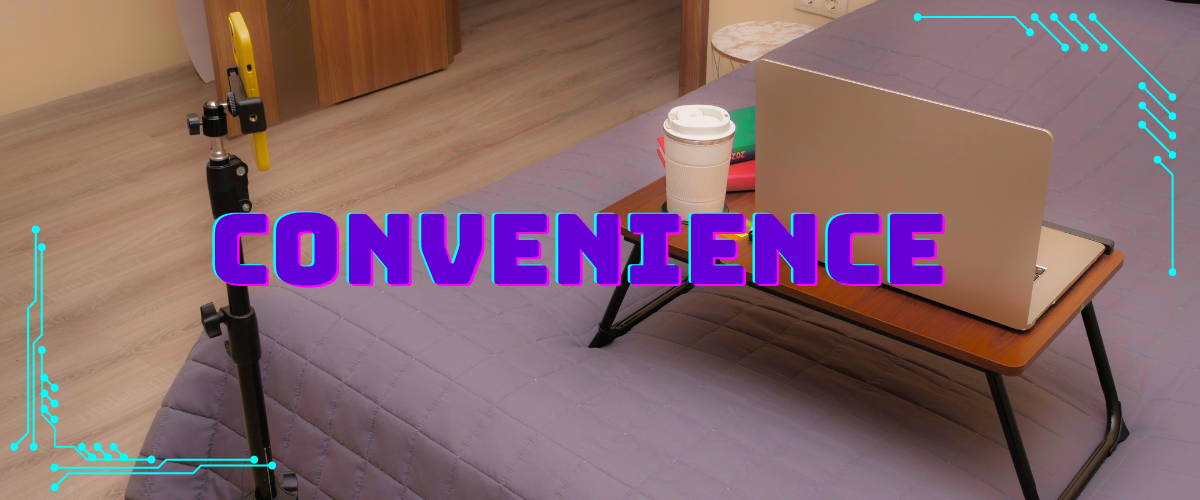
This is where gaming laptops clearly shine. You can take them anywhere, whether it is a friend’s house, school, or even just another room. Everything you need is built into one device, making it incredibly convenient.
Gaming PCs are not designed to move. Once set up, they typically stay in one place. Transporting a desktop setup requires moving multiple components, which can be inconvenient and risky.
Portability also affects how often you use your system. A laptop allows you to game more casually and in different environments. A desktop encourages a more dedicated gaming space.
That said, portability comes with tradeoffs. Gaming laptops are more compact, which limits performance and upgrade options.
Quick Tips:
Choose a laptop if you travel often or have limited space
Choose a desktop if you prefer a dedicated gaming setup
Consider how often you realistically move your device
Upgradability: Future-Proofing Your Setup
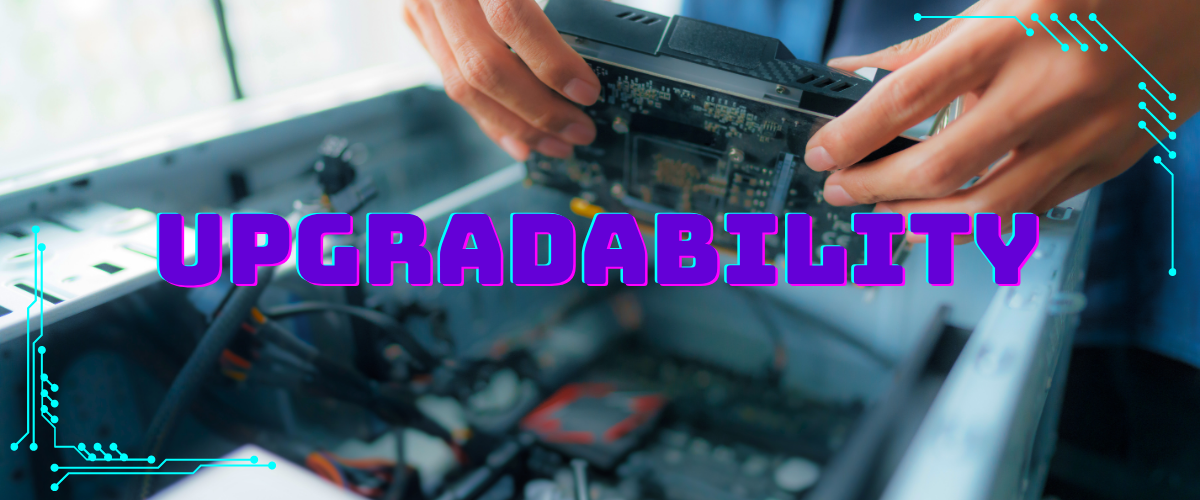
One of the biggest advantages of a gaming PC is its upgrade potential. You can replace individual parts like the graphics card, RAM, or storage as needed. This allows you to extend the life of your system and keep up with new games without buying a completely new machine.
Gaming laptops are much more limited in this area. In most cases, you can only upgrade storage or RAM, and even that depends on the model. The core components like the CPU and GPU are usually fixed.
This difference matters over time. A gaming PC can evolve with your needs, while a laptop may need to be replaced entirely after a few years.
Care Tip:
If you want your system to last longer, prioritize upgradability. Even small upgrades over time can make a big difference in performance.
Price and Value: What You Get for Your Money

Gaming PCs generally offer better value for performance. With the same budget, you can usually build or buy a more powerful desktop than a laptop. This is because desktops do not require the same compact engineering and cooling solutions.
Gaming laptops tend to be more expensive for similar performance. You are paying for portability, design, and integration of all components into a single device.
However, value is not just about performance. A gaming laptop includes a screen, keyboard, and battery, which can offset some of the cost if you would otherwise buy those separately for a desktop.
It is also worth considering long-term costs. A desktop may be cheaper to upgrade, while a laptop might require a full replacement sooner.
Important:
Do not just compare price tags. Compare what you are actually getting in terms of performance, lifespan, and flexibility.
Comfort and Setup: Daily Use Experience

Gaming PCs offer a more customizable and comfortable setup. You can choose your monitor size, keyboard type, and even your chair positioning. This makes a big difference during long gaming sessions.
Gaming laptops are more limited in this area. The built-in keyboard and screen are fixed, which may not always be ideal for comfort. You can connect external peripherals, but that reduces the simplicity of a laptop setup.
Another factor is screen size and ergonomics. Desktop setups can support larger monitors and better viewing angles, which can improve both gaming and general use.
How to Fix It:
If you choose a gaming laptop but want better comfort, consider adding:
An external monitor
A separate keyboard and mouse
A laptop stand for better posture
Conclusion
Both gaming PCs and gaming laptops have their strengths, and the right choice depends on your priorities. Gaming PCs deliver better performance, upgrade options, and long-term value. Gaming laptops offer portability, convenience, and flexibility for people on the move.
If you want the best performance and plan to game in one place, a gaming PC is usually the better investment. If you need something portable that can handle gaming on the go, a laptop is the more practical choice.
Think about your lifestyle, not just the specs. When you choose based on how you actually use your system, you are far more likely to be satisfied with your decision.
Art credit
@pexels @naomiartsia @annaaaa @mojocp @oksana-fedorchuk @tatyanakorenyugina @toonandlogo